Apple Intelligence
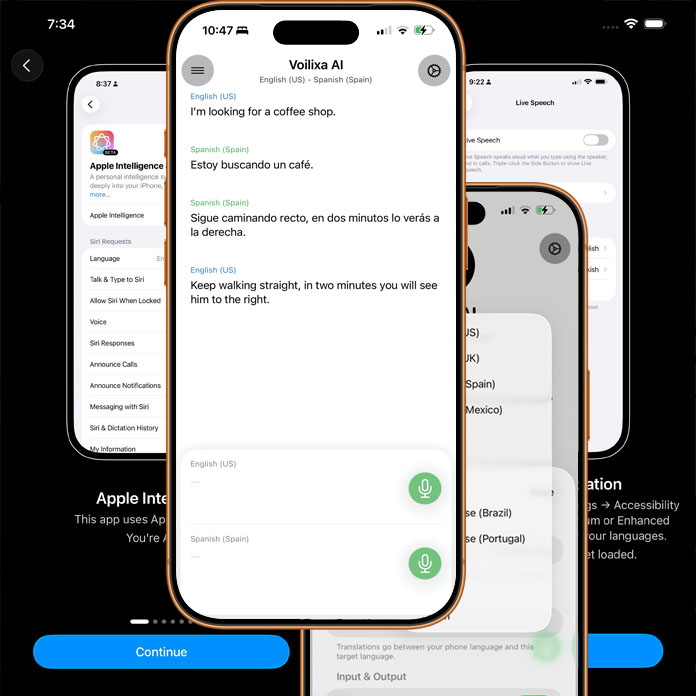
Built on Apple Intelligence and Apple’s on-device AI stack, Voice Translator – Voilixa AI delivers fast, private, and reliable translations without relying on the cloud. By using Apple’s Foundation Models and system frameworks for speech and language, the app processes voice, understands context, and generates natural translations directly on your device. This approach keeps your conversations secure, reduces latency, and ensures the app continues to work even when you’re offline—making real-time, two-way communication seamless wherever you are.
Full Offline Support
Full Offline Support means Voice Translator – Voilixa AI works even when you have no internet connection. All core features—including voice recognition, translation, and spoken responses—run directly on your device using on-device AI. Whether you’re traveling abroad, on a flight, or in an area with poor connectivity, you can continue having smooth, real-time conversations without interruption. This not only ensures reliability anywhere but also keeps your data private, since nothing needs to be sent to external servers.
Improved Results with Hybrid LLM Integration
Voice Translator – Voilixa AI goes beyond basic translation by integrating with a sophisticated remote large language model (LLM) to enhance accuracy, context understanding, and natural phrasing. When an internet connection is available, the app leverages powerful cloud-based intelligence to refine translations, handle complex sentences, and deliver more human-like conversations. This hybrid approach combines the reliability of on-device AI with the depth of advanced remote models—giving you the best possible translation quality while still maintaining seamless offline functionality when needed.
Conversational Flow
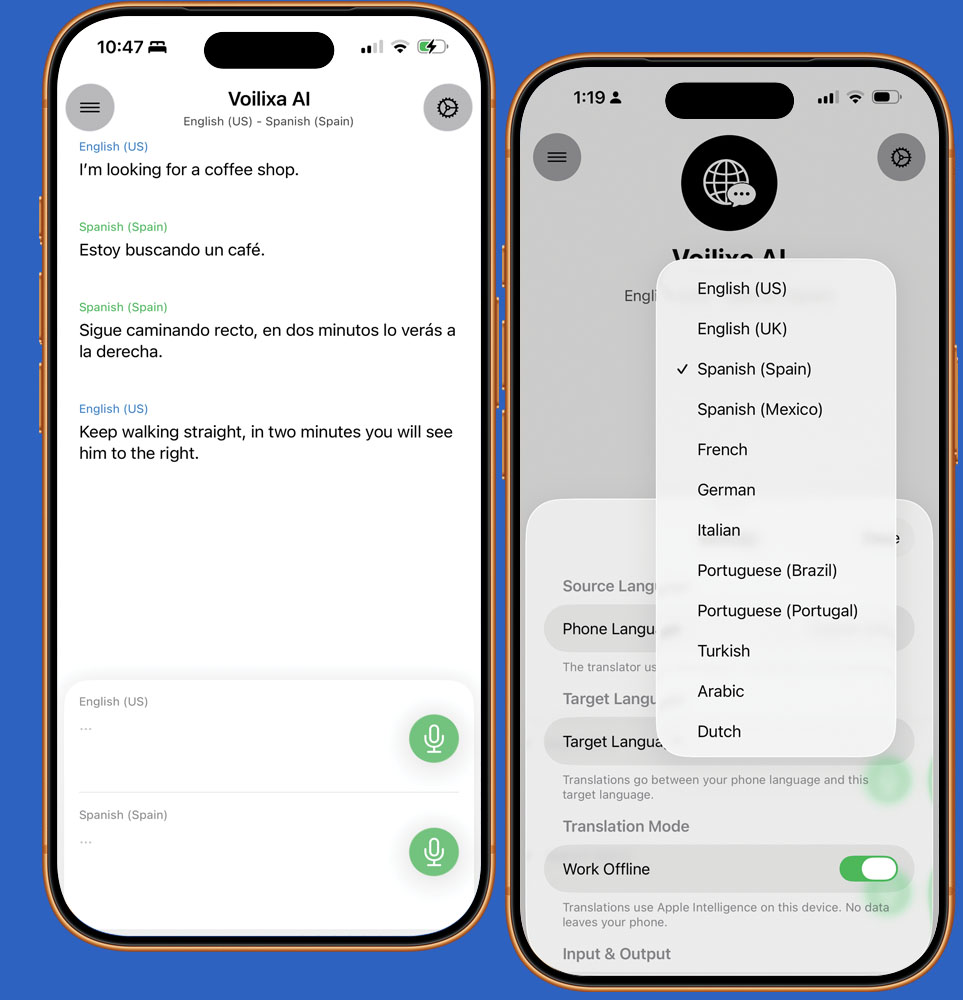
Using Voice Translator – Voilixa AI is simple and natural, designed around a smooth conversation flow. Just tap once and start speaking—the app listens, detects when you finish, instantly translates your speech, and reads it aloud. It then automatically returns to listening, so the other person can reply in their language without needing to press anything. This continuous back-and-forth flow makes conversations feel effortless and real, allowing both sides to communicate naturally without interruptions or repeated actions.
Voice Translator – Voilixa AI uses Apple’s speech technologies for both voice input and output, ensuring high-quality and reliable performance. For voice input, the app relies on Apple’s Speech Recognition framework, which supports a selected set of languages including English, Spanish, French, German, Italian, Portuguese, Chinese (Mandarin), Japanese, and Korean. For voice output, the app uses Apple’s text-to-speech system via AVFoundation, which supports a much broader range of languages and regional voices—covering dozens of languages such as Arabic, Dutch, Hindi, Indonesian, Russian, Swedish, Thai, Turkish, and many more. This combination allows for accurate speech understanding while delivering natural-sounding voice playback across a wide variety of languages.
Availability
iOS Only
Live Since May 1, 2026.
Current Version 1.0
Incredible Price
Lifetime Usage Price 6.99 USD. One time payment.
Languages Supported
Speech Recognition : English, Spanish, French, German, Italian, Portuguese, Chinese (Mandarin), Japanese, and Korean. Speech Out : Arabic, Dutch, Hindi, Indonesian, Russian, Swedish, Thai, Turkish, and many more
Settings
Voilixa AI features a sophisticated settings dashboard where every detail can be customized, giving you full control over your app experience.
Privacy Policy
Please refer to the attached Privacy Policy for the Voilixa AI app.
Frequently Asked Questions
Yes. Voilixa AI fully runs on on-device, supports full offline work.
As Apple continues to enhance its Foundation Models, Voilixa AI automatically benefits from those improvements. The app seamlessly adopts the latest, more advanced models, ensuring it stays up to date with the newest capabilities without requiring any changes from the user.