Word Weave
Can't Get Enough of Puzzles?
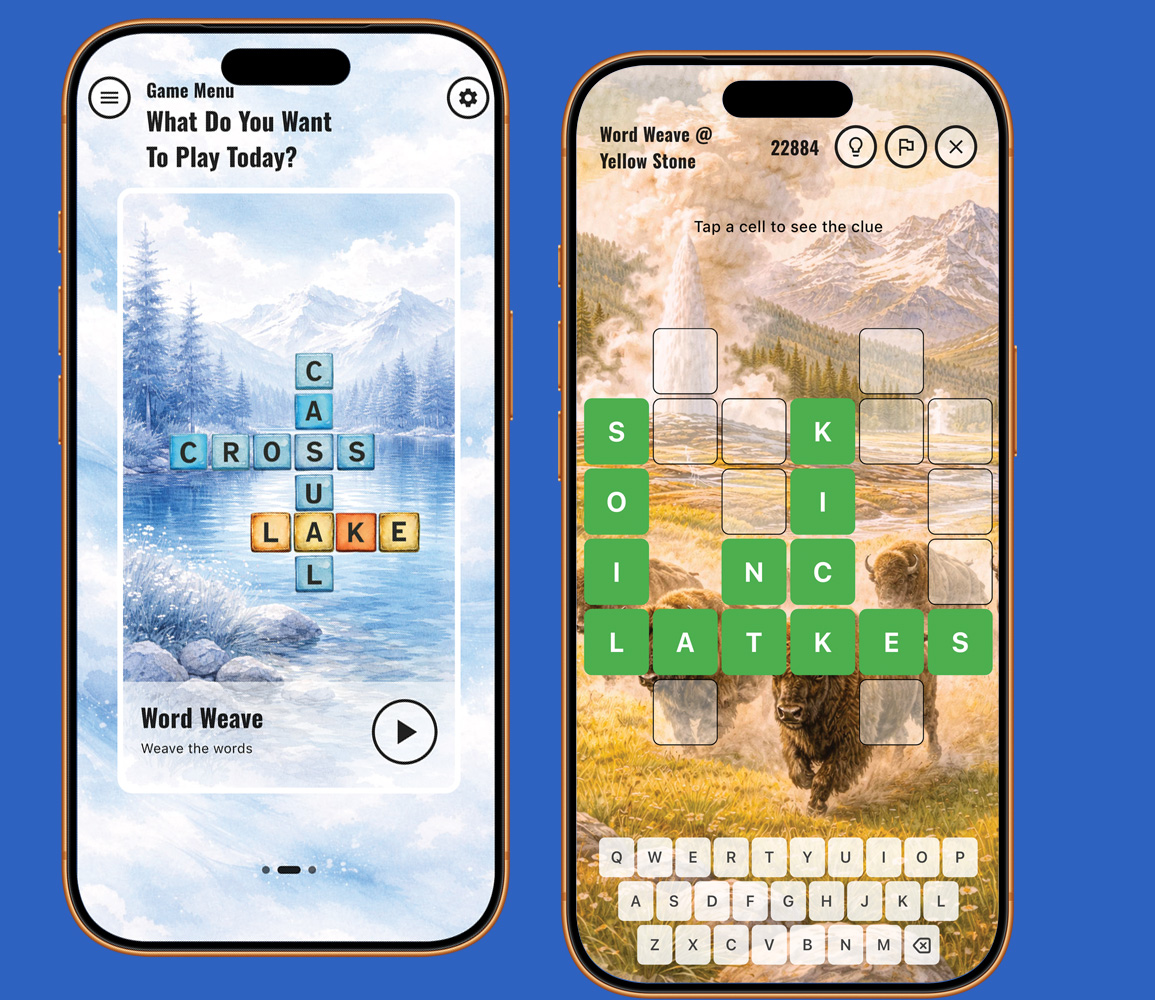
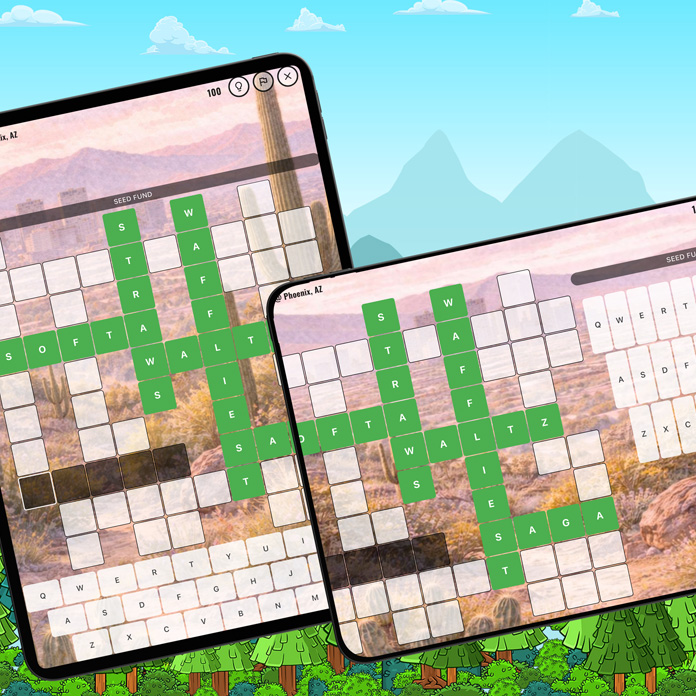
Word Weave is built for people who can't get enough crossword puzzles. Word Weave is the crossword lover's playground. Enjoy thousands of ready-to-solve puzzles in multiple sizes from 4×4 to 12×12, each with unique layouts and clue styles. Play comfortably in portrait or landscape mode and choose between Regular Mode, where correct answers are confirmed instantly, or Pro Mode, where you solve like a traditional newspaper crossword. Prefer a specific grid size, or let the game surprise you with a random puzzle. Need help? Use hints or reveal the solution anytime. Play as much as you want.
Choose Your Puzzle Size & Format
Choose the puzzle size that fits your mood. Word Weave offers grids from 4×4 to 12×12, with many crossword formats for each size. Prefer a consistent challenge or a random mix? You can easily select your favorite grid size or enable random puzzles directly from the Settings screen anytime. Adjust it whenever you like.
Choose Your Play Style
Word Weave offers two ways to play. In Regular Mode, the game checks your entries and only accepts correct answers, giving helpful feedback as you solve. In Pro Mode, there is no feedback—just like a classic newspaper crossword. You won't know if an answer is right until the puzzle is complete. You can switch between modes anytime from the Settings menu.
Choose Your Challenge Level
Take control of how challenging your puzzles feel. Word Weave lets you select the difficulty level that matches your mood and skill—whether you want a relaxing, quick solve or a more demanding brain workout. Easier levels offer more straightforward clues and familiar words, while harder levels introduce trickier clues and more complex vocabulary. You can change the difficulty anytime, so the game always fits exactly how you want to play.
How To Play Word Weave?
Word Weave is simple to start but endlessly satisfying to master. Tap any letter in the crossword grid to begin solving. When you touch a letter, the word that runs across that letter will automatically be selected, and its clue will appear on the screen. Read the clue carefully and type your answer using the keyboard. As you enter letters, they will fill the corresponding squares in the puzzle.
If you want to solve the vertical word instead of the horizontal one, simply tap the same letter again. The game will switch the selection to the column word that passes through that letter, and the corresponding clue will appear. This makes it easy to move around the puzzle and focus on the clues that feel easiest to solve.
Word Weave offers two play styles. In Regular Mode, the game checks your answers and accepts only correct entries. Once a word is correct, it is locked so it cannot be changed. In Pro Mode, there is no automatic feedback—just like a traditional newspaper crossword. You can enter any letters you want and rely entirely on your own solving skills.
Game Difficulty
Easy to start. Satisfying to master.
Game Economy
No time pressure, you get points based on the complexity.
Languages Supported
English, Turkish
App Hosts
Clue Forest
Choose How You Want To Play
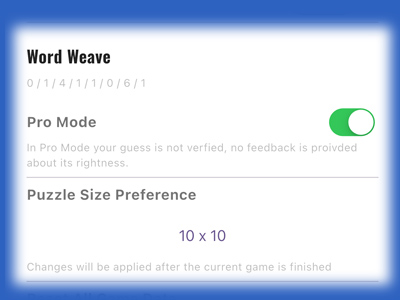
Turn on-off Pro Mode to select your playing style. For more on Pro Mode, please see above.
Select the size of the puzzle you want to play, or simply elect random. For more on puzzle size, please see above.